Loading insights…
Articles and insights about Macos.
Most Mac maintenance never happens because it depends on you remembering to do it. Scheduled diagnostics change that — scans run on a timetable, results surface automatically, and you stay in control.
Aurora Control exposes your Mac’s live CPU, thermal, network and battery metrics as JSON over a local HTTP endpoint — so you can pipe them straight into Grafana, a menu-bar script, or any tool you already use.
Every app you install can quietly add itself to your startup. Nobody ever removes them. Here is what actually runs at login, why it slows your Mac down, and how to find the ones worth cutting.
You unplugged at 100%. Two hours later you are at 50% and you barely touched the keyboard. Something woke up and stayed awake. Here is how to find it.
Your MacBook seems to run out of charge faster than it used to — but is the battery actually worn, or was it just a heavy week? The hardware already knows. Here is how to read the answer.
Most Mac users assume FileVault, SIP, XProtect, and the Secure Enclave are working. Checking them means hunting across four different places. Here is how to confirm in one glance.
Camera and mic are the permissions everyone knows about. But macOS quietly grants apps the ability to record your screen, control your cursor, log your keystrokes, and read every file on your drive — and System Settings makes each one genuinely hard to find.
That "Screenshot 2026-06-14 at 14.32.15.png" filename seems harmless. Over hundreds of files it becomes a real tax on your time — and one naming template fixes it permanently.
Procfiles, supervisord configs, and a graveyard of shell scripts to manage dev services. Here is why I stopped maintaining all of it and what I use now.
Full Disk Access is the broadest privacy grant on macOS — an app with it can read your Mail, Messages, Safari history, and most of your files. You probably granted it months ago and forgot. Here is how to see who has it and take it back, no Terminal required.
Six tokens. One pattern. Every screenshot named correctly the moment it lands on disk — with the app, date, size, and target store already in the filename.
Log triage is painful because errors arrive as a stream, not a story. The timeline in Agata Stack turns every rule-matched event into a colour-coded entry you can read like a timeline — here is how it works and why the colour scheme matters more than it looks.
macOS shows you which apps have permission to use your camera and mic. It does not clearly show you which ones actually used them recently. Here is how to find out — and what to do about it.
Argus Capture exposes 10 App Intents and a custom URL scheme so you can trigger screenshots, start and stop recordings, drop chapter markers, and query live config from Shortcuts, the terminal, or any AI agent — without leaving your workflow.
The Agata Stack local HTTP API lets you start, stop, restart, and tail logs from any service on your Mac using a plain curl command — from CI, from a shell alias, or from an AI tool. No daemon config, no third-party service.
Phones, smart TVs, plugs, speakers, maybe a neighbour’s guest device — your Wi‑Fi is busier than you think. Here is how your Mac can show you exactly what is connected.
Most screenshot tools live outside your scripts. Argus Capture ships a custom URL scheme so you can start captures, stop recordings, and read config back from any shell, CI pipeline, or AI agent.
SSH-ing into a staging box every time you want to check a log is 2010 DevOps. Here is how remote services can sit alongside local ones in the same status view, with the same health checks, log streams, and automation rules.
Right now, dozens of apps on your Mac are making outbound connections. You probably have no idea which ones, or where the data is going. Here is how to find out — and how to stop it.
Most screenshot tools make you blur the whole image or nothing at all. Here is how to draw a blur box over exactly the part you want hidden and leave everything else pixel-perfect.
You can now point Claude Code or Cursor at your running iOS Simulator or Android emulator, take screenshots, run adb shell commands, and install builds — all from an AI prompt, all from your menubar, without ever switching apps.
Your updater, your creative tool, your utility — any of them can quietly open an outbound connection you never expected. Here is how Aurora Control surfaces it, where it goes, and what you can do about it.
Most annotation workflows make you finish the capture, open a second app, mark it up, export again. Here is how to draw arrows, add blur boxes, and spotlight regions on-screen during or after capture — without leaving the tool.
Most MCP servers need a separate process, a cloud relay, or only cover one thing. Agata Stack runs its MCP endpoint inside the menubar app itself — covering computer-use, mobile QA, service management, and log streaming from one localhost address.
Your laptop is warm and the battery is draining fast, but you are not doing anything. Here is what is actually happening in the background, and how to find the process responsible.
You do not need a design tool to make a screenshot look like it belongs on a product page. The right background gradient, applied at capture time, does most of the work in one click.
Your AI coding assistant can see your code. It cannot see whether your dev server is actually running. Here is how a local HTTP API and an MCP endpoint change that equation entirely.
That "90% memory used" number that made you order more RAM? It is almost certainly fine. Here is the metric that actually matters — and how to read it in under a minute.
Adding a device frame to a screenshot does not have to mean a detour to Figma. Here is how to keep the whole thing inside your capture workflow on macOS.
Context-switching between dev, staging, and production environments is slow and fragile. Environment profiles in Agata Stack change the whole thing with one click — and the API means your scripts can do it too.
Your Mac slows to a crawl mid-task, then quietly recovers. It is not random — it is thermal throttling. Here is what it is, how to spot it yourself, and how to catch it before it bites.
Argus Capture Steps mode gives you two ways to export numbered screenshots: one stacked image or one file per step. Here is how each output mode works, when to use which, and what the difference looks like inside your actual documentation workflow.
A failed health check is not a diagnosis. Here is how Agata Stack reads the last 20 log lines, matches known error patterns, and hands you a runnable fix command before you even open a terminal.
Your fans are screaming, the palmrest is warm, and Activity Monitor shows a wall of numbers — but nothing obviously wrong. Here is what is actually happening, how to read it, and why thermal throttling is doing exactly what it should.
Most documentation tools make you add numbered badges by hand, in a design app, after the fact. There is a better way — and it lives right in your macOS capture workflow.
Most teams reach for a third-party uptime service the moment they need health checks. You already have everything you need on your Mac — and it costs nothing extra.
Three copies of the same video scattered across Downloads, Desktop, and an old project folder. Which one is safe to delete? The challenge isn’t finding the duplicates — it’s not deleting the one that matters.
Every recording context needs different settings — codec, resolution, audio, overlays. Named profiles encode those decisions once so you never touch them again before a take.
You can catch slow API responses from your dev stack in real time without touching a single line of code or adding middleware. Here is how stream rules in Agata Stack work against your existing logs.
macOS Storage settings shows a vague bar with a giant "System Data" bucket. Here is what is actually in there, how to find the real culprits yourself, and why a proper disk map saves you an afternoon of guessing.
Four codecs, four very different trade-offs. Here is how H.264, HEVC, ProRes 422, and ProRes 4444 behave in a screen recorder — and which one to reach for depending on what you are making.
Crashes make noise. Silent failures do not. Here is how to catch the worst kind of outage — the service that just quietly stops — before your users do.
Dragging an app to the Trash only removes the bundle. The caches, preferences, support files and containers it scattered across your Mac can linger for years — and most people never know they are still there.
Every developer has lost five minutes to a port-in-use error at startup. Here is the stream rule that detects EADDRINUSE in your logs, kills the blocking port, and restarts your service — automatically, without a terminal.
Bug report recordings drag on because nothing forces them to stop. A 60-second auto-stop built into the recording profile changes that — and makes every report faster to watch.
You cleared those caches last month. They came back — and they brought friends. The real story is not the size on any given day; it is how fast it grows, and which tool is driving it.
A single screenshot with an exposed API key can compromise a production system. Here is how on-device OCR pattern-matching catches secrets automatically before the file is ever saved.
Agata Stack runs a local HTTP server on port 19877. Tail live logs over SSE, manage services, and hit a self-describing OpenAPI spec — all from a shell script, a CI job, or an AI tool.
Most Mac utilities can act on your machine without asking. Aurora Control was designed to never do that — and this is the story of why.
node_modules, Docker images, DerivedData, Homebrew downloads — developer caches balloon silently and never clean up after themselves. Here is how to find what is eating your disk, and how to track it over time instead of playing whack-a-mole.
One public screenshot with a visible API key is all it takes. Here is the on-device detection system built into Argus Capture that catches secrets before they leave your Mac.
One error line repeating 400 times looks like noise. But it is a pattern — and the right rule can catch it in the first 5 lines, fire once, and stay quiet after that. Here is how log fingerprinting works in Agata Stack.
Six areas of Mac maintenance, one app, one price. Here is why replacing a drawer full of single-purpose utilities with Aurora Control is plain math, not brand loyalty.
Shipping to the iOS App Store, Google Play, and the Mac App Store means supplying a completely different set of screenshot sizes for each. Here is how to take one capture and let export templates handle the rest.
Most dev tools only show logs for processes they launched. Agata Stack can attach to any user process running on your Mac — by PID — and stream its output in real time, no restart required.
Every app store wants a different size. Most developers discover this the hard way, at 2 AM before a submission deadline. Here is what the store preset system in Argus Capture actually does — and why one capture is enough.
A crashed service that nobody catches until a user complains is a solved problem. Here is the crash-detection and auto-restart setup that ended the 3am surprises.
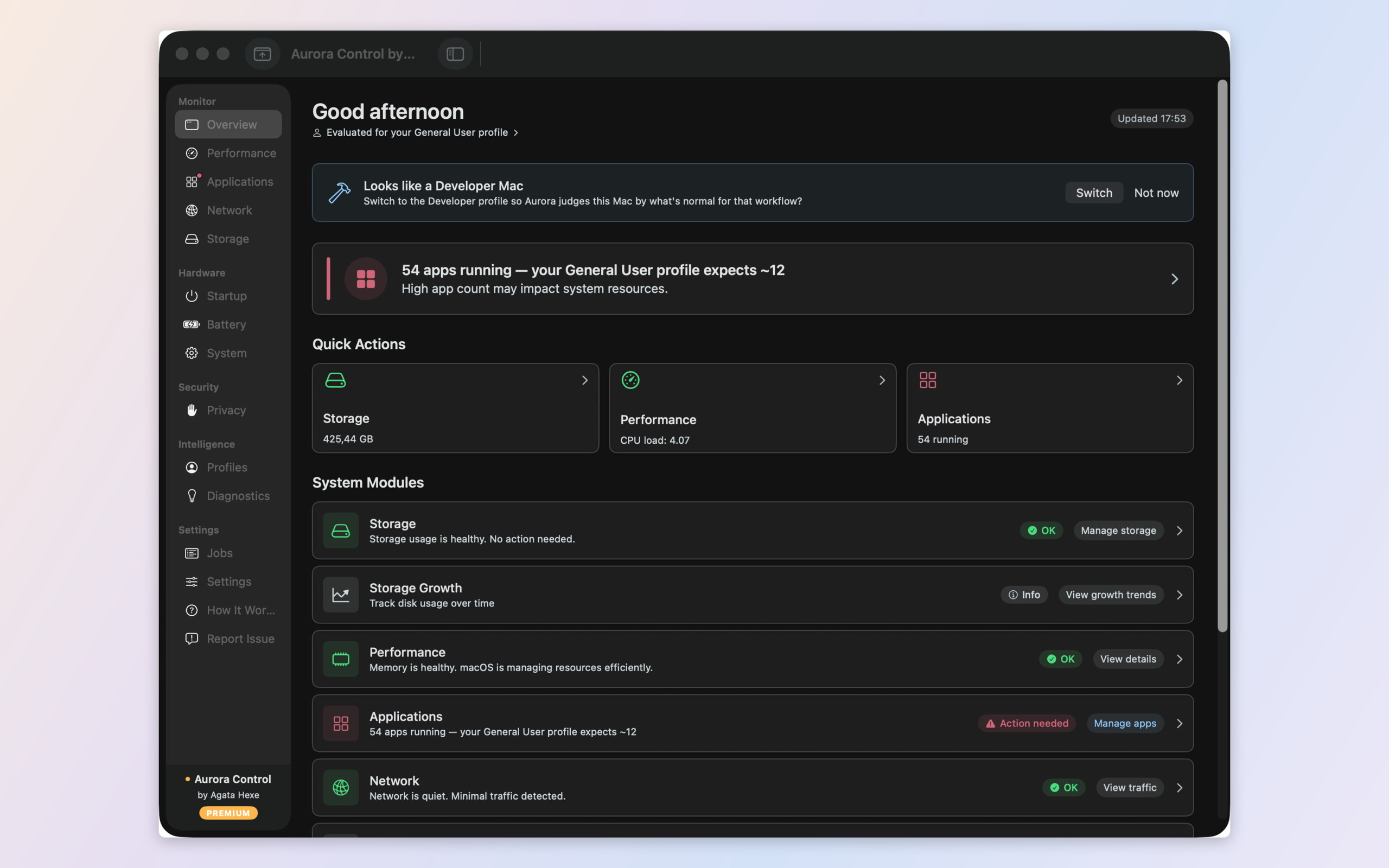
Your Mac tool is crying wolf again. The problem isn't your Mac — it's that the tool has no idea how you use it. Here's how Aurora Control learns what normal actually looks like for you.
App Store rejections rarely come from bad code. They come from the wrong pixel dimensions. Here is the complete size chart for every major store — and how to export all of them from a single capture.
Fourteen terminal tabs, colour-coded window groups, and I still could not tell at a glance which service had quietly died. Here is what changed.

Every Mac tool measures. Few of them explain. Here is the difference between a screen full of numbers and actually knowing what is wrong with your Mac — and what to do.